This article provides an overview of the Bonsai Account Settings page and how to navigate it to manage all things account-related.
Need to update a credit card or provide access to your clusters to a team member? Use the sections below to manage all things account-related.
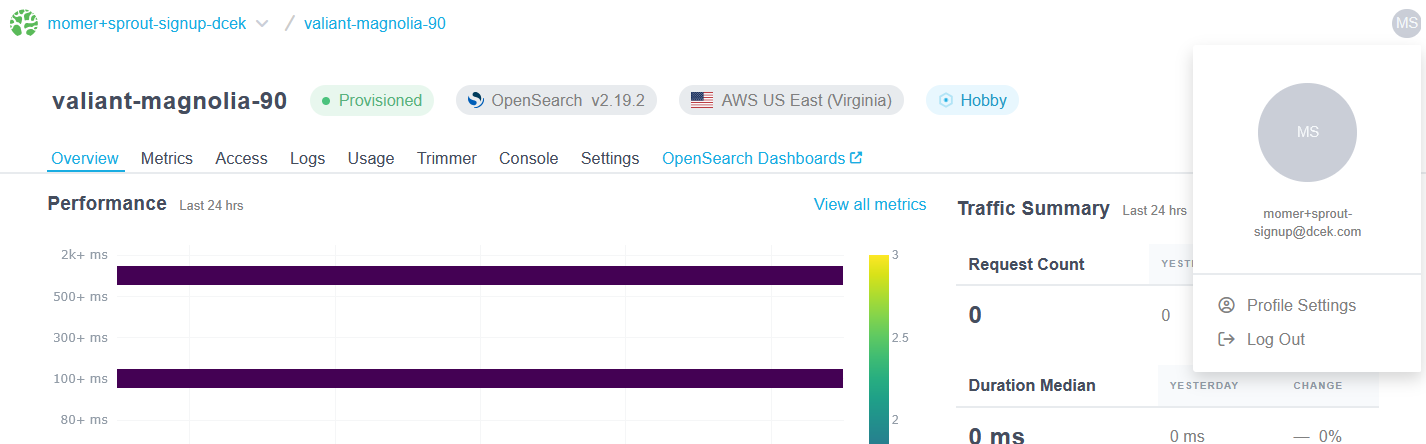
To access your Account Settings, click on the upper right-hand dropdown and select Account Settings.
-
Navigate to Profile Settings
-
Select your Account
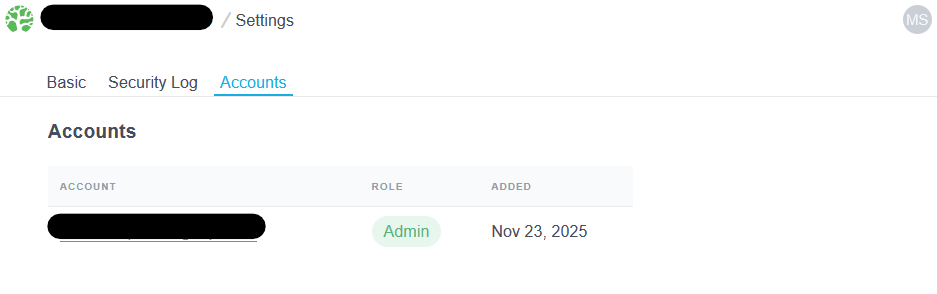
From your account settings page, you can…
- Update your organization's profile
- Create a New Account
- Add or update team members
- Require SSO for All Team Members
- Update your credit card or add a coupon code
- Make and track referrals
- Cancel the account
Ready to take a closer look at Bonsai?
Bonsai manages your search clusters and helps you achieve better search results for your users and your business. Find out if Bonsai is a good fit for you in just 15 minutes.