Here's how to add a new account in the Bonsai App.
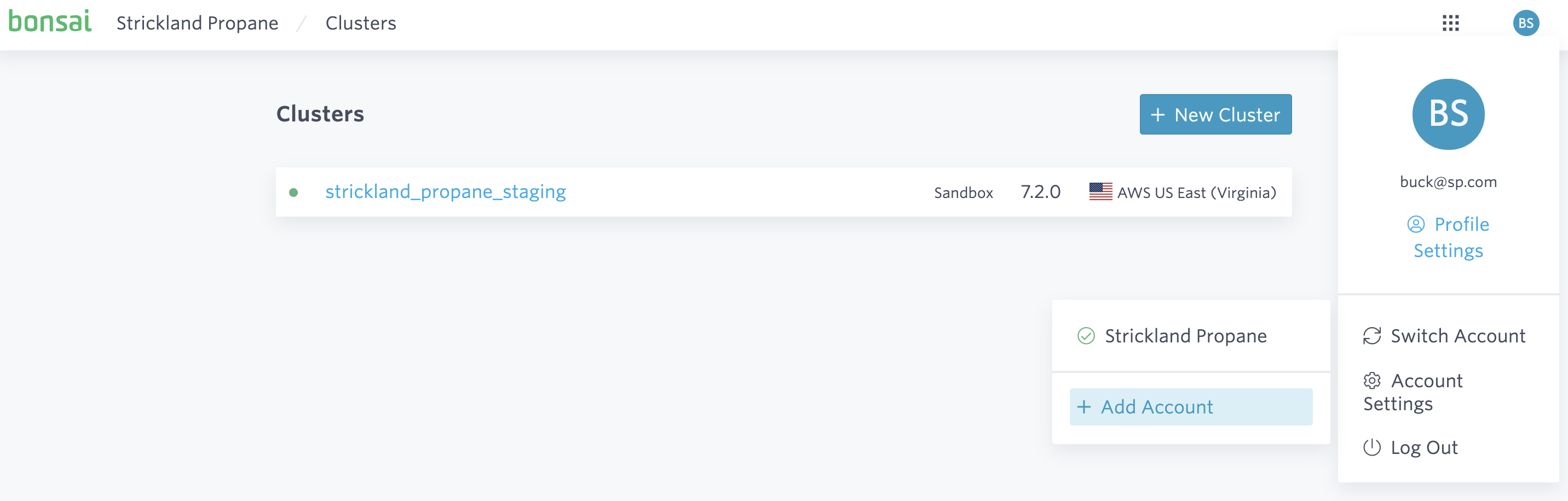
You can create a new account from the upper right-hand dropdown by selecting Add Account within Switch Account's drop-down menu.
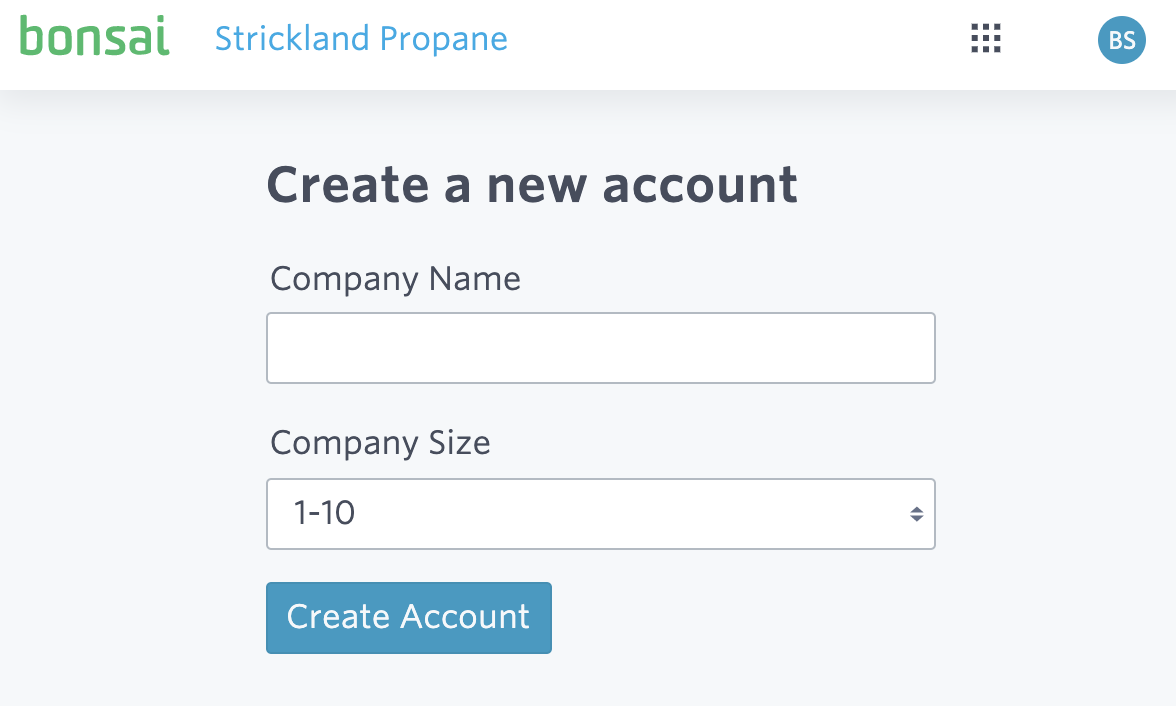
Give your new account a name and click Create Account.
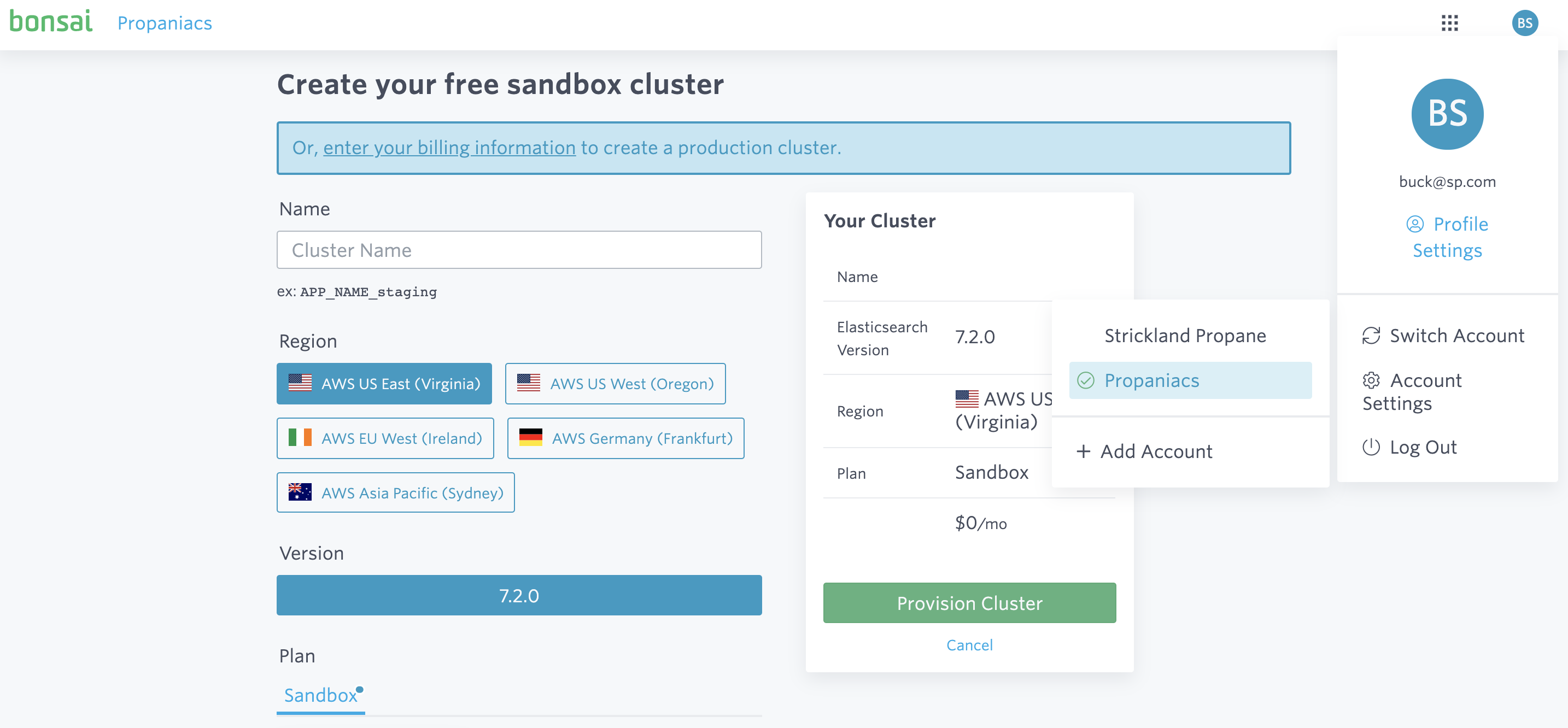
You will then be prompted to create your free sandbox cluster in the new account. You can switch between your accounts from the drop-down menu:
Ready to take a closer look at Bonsai?
Bonsai manages your search clusters and helps you achieve better search results for your users and your business. Find out if Bonsai is a good fit for you in just 15 minutes.