Using the Cluster Dashboard to change the Cluster name.
Changing a cluster's name is quick and easy! Select a cluster,
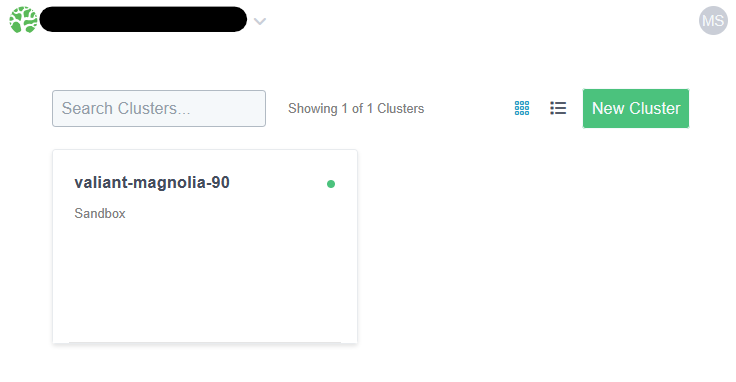
and head to the settings tab.
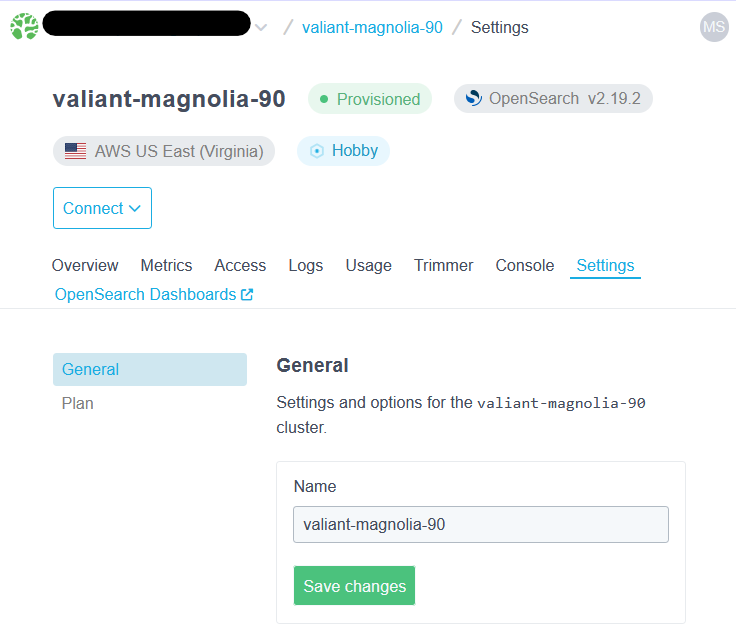
Under the "General" section, enter the new name for the cluster, and click on "Save changes."
Changing your cluster's name will not result in downtime or loss of data. It will also not change the cluster's URL. If the name is already taken by an active cluster in your account, you will receive an error.
Ready to take a closer look at Bonsai?
Bonsai manages your search clusters and helps you achieve better search results for your users and your business. Find out if Bonsai is a good fit for you in just 15 minutes.