What is Console and what should you be aware of when using it?
The Console is a web-based UI for interacting with your cluster. Think of it like a user-friendly version of curl. If you want to try out some queries or experiment with the Elasticsearch API, this is a great place to start:
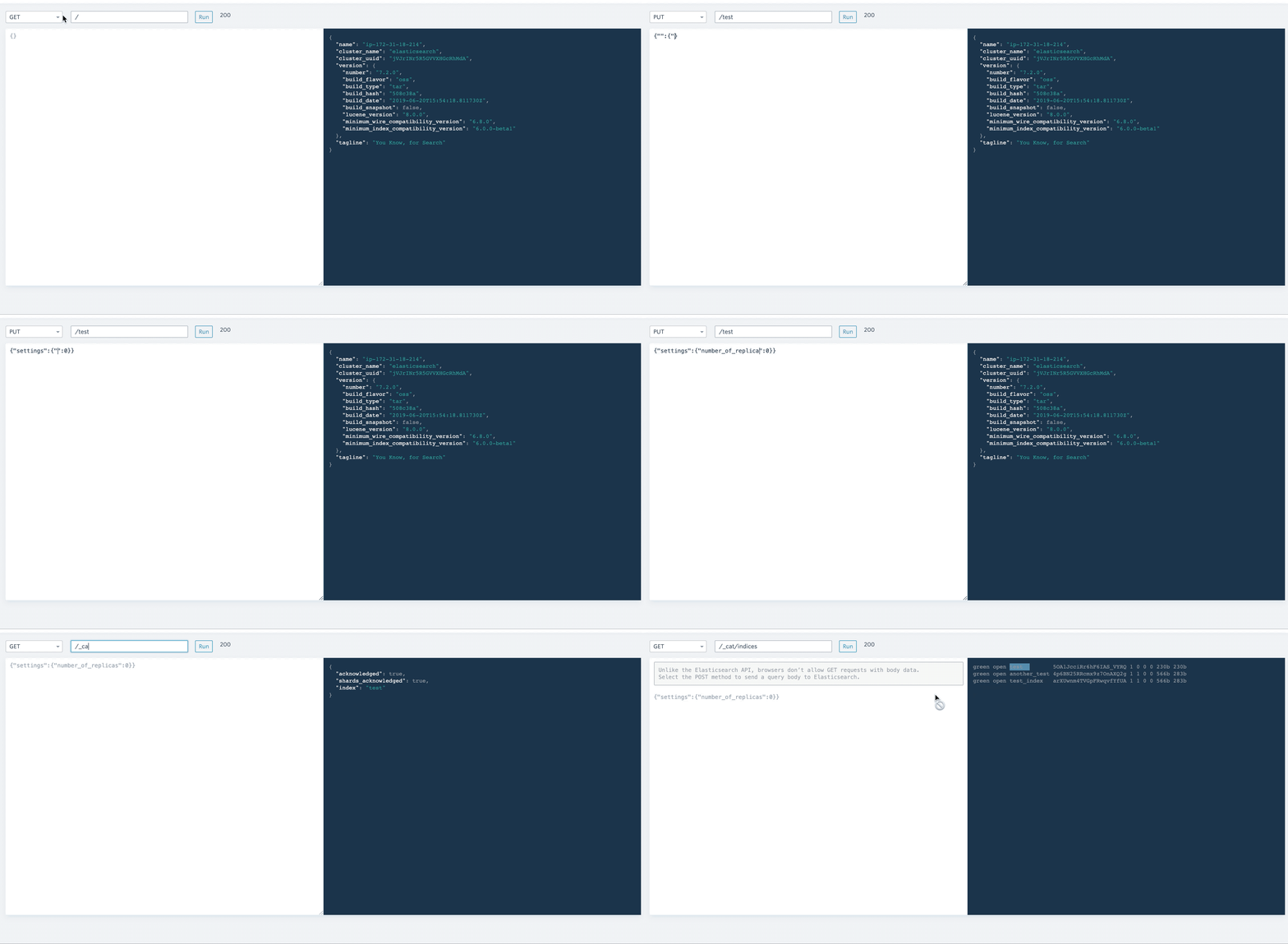
The UI allows the user to select an HTTP verb, enter an endpoint and run the command. The results are shown in the navy console on the right. The box below the verb and endpoint boxes can be used to create a request body.
Beware
Some places in the Elasticsearch documentation suggest using a GET request even when passing a request body. An example would be something like:
GET /_search
{
  "query" : {
    "term" : { "user" : "george" }
  }
}
Without getting bogged down in pedantry, GET is a questionable verb to use in this case. A POST is more appropriate. It's what the UI is assuming anyway. If you paste in a request body and use a GET verb, the body will be ignored.
Ready to take a closer look at Bonsai?
Bonsai manages your search clusters and helps you achieve better search results for your users and your business. Find out if Bonsai is a good fit for you in just 15 minutes.