Powerful search that finds any asset instantly. Backed by the latest AI models to surface relevant and diverse content for your marketers, designers, and brand managers.
Visual AI search looks inside the image for relevant features
Find look-alikes and duplicates across the whole catalog
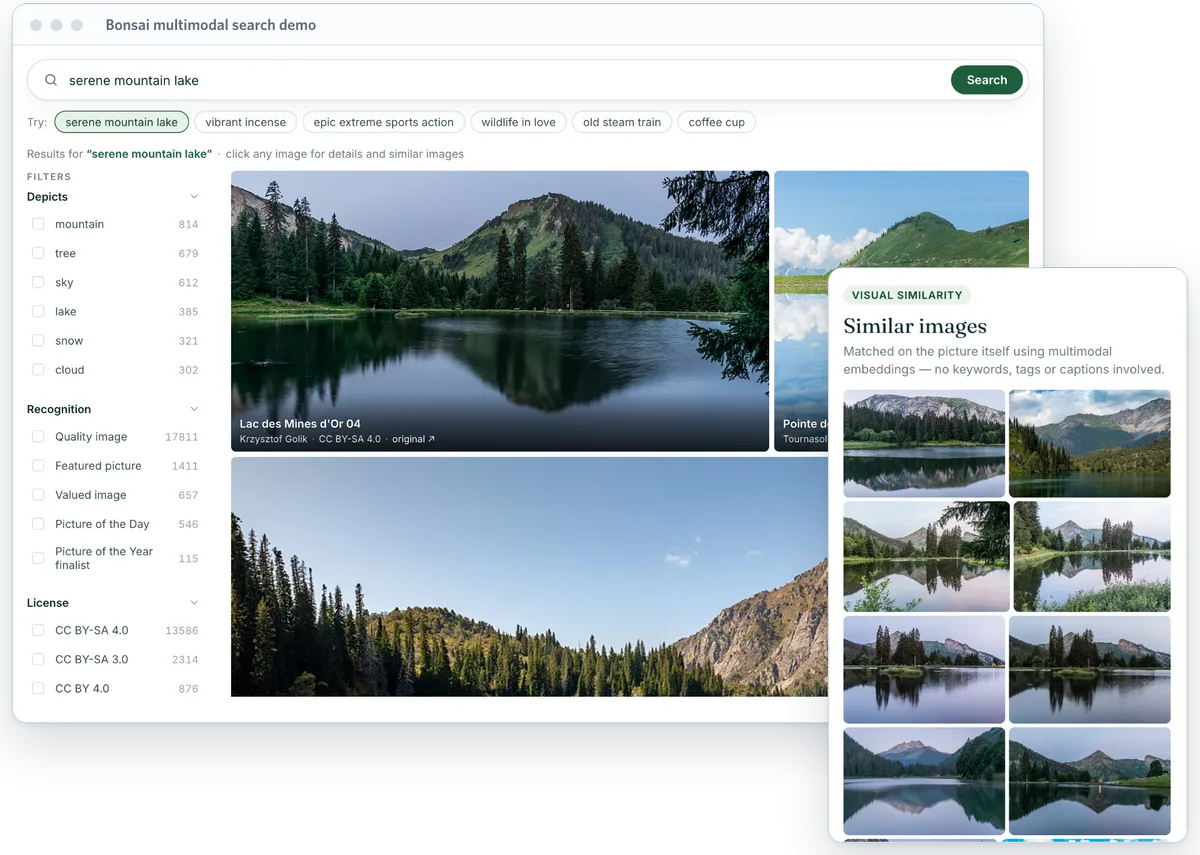
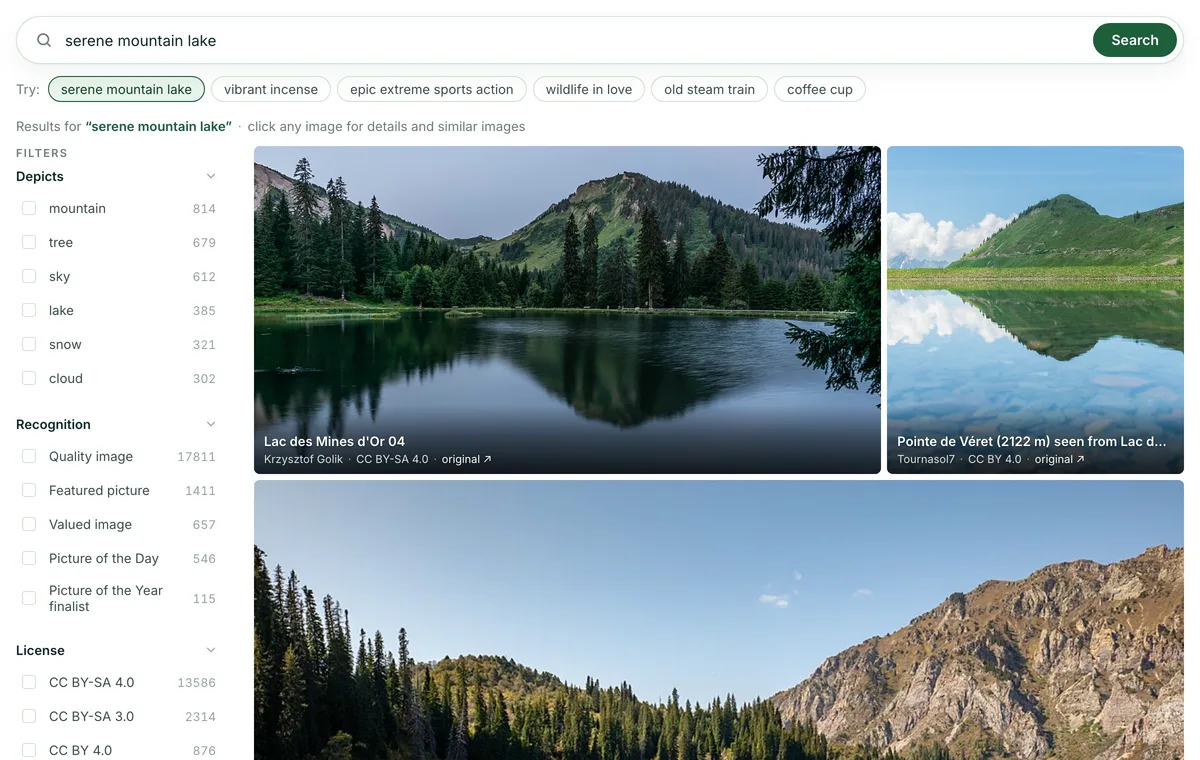
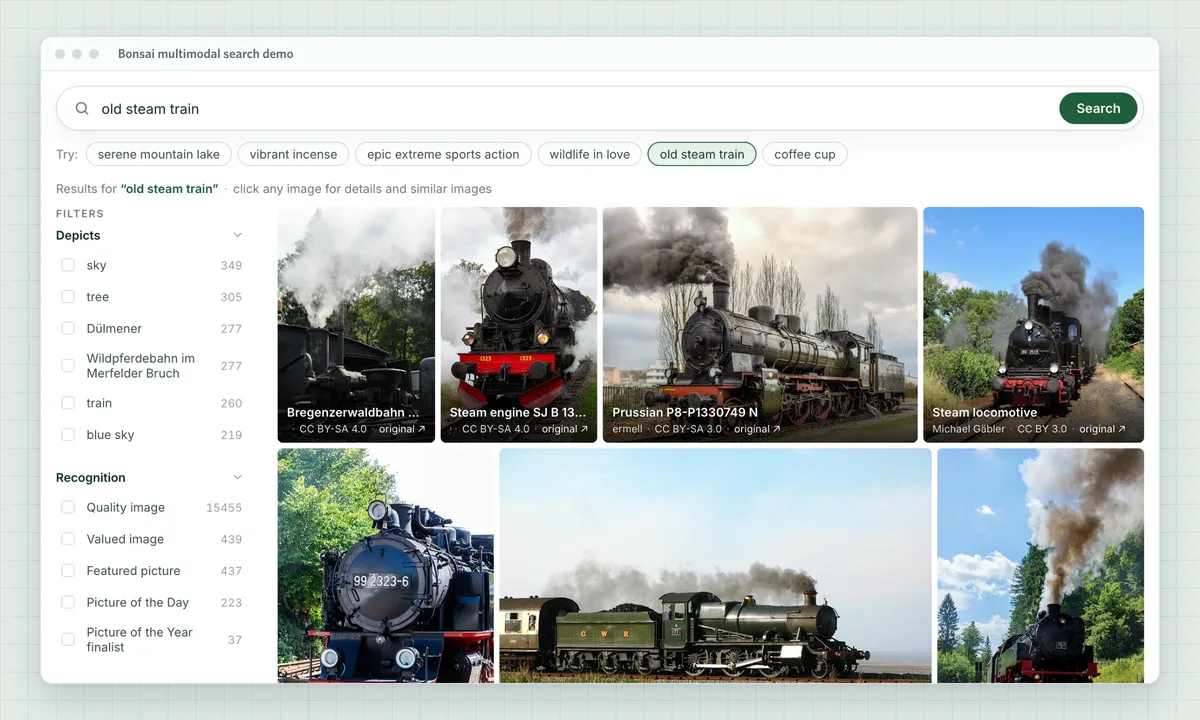
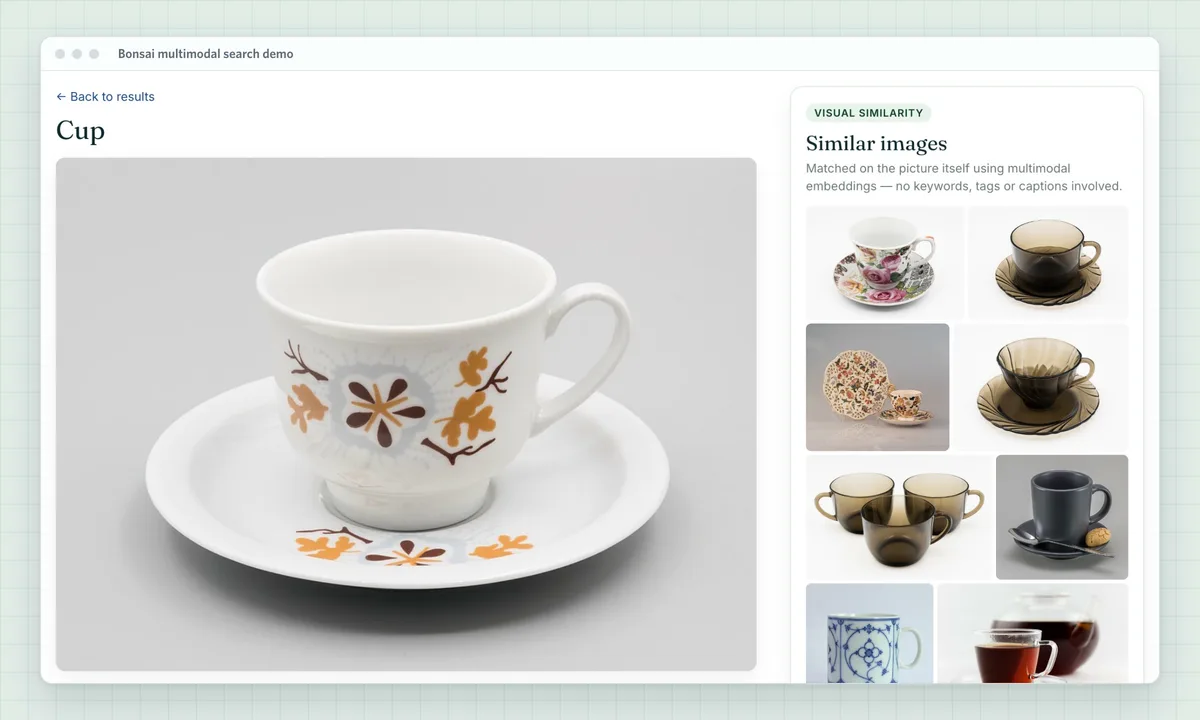
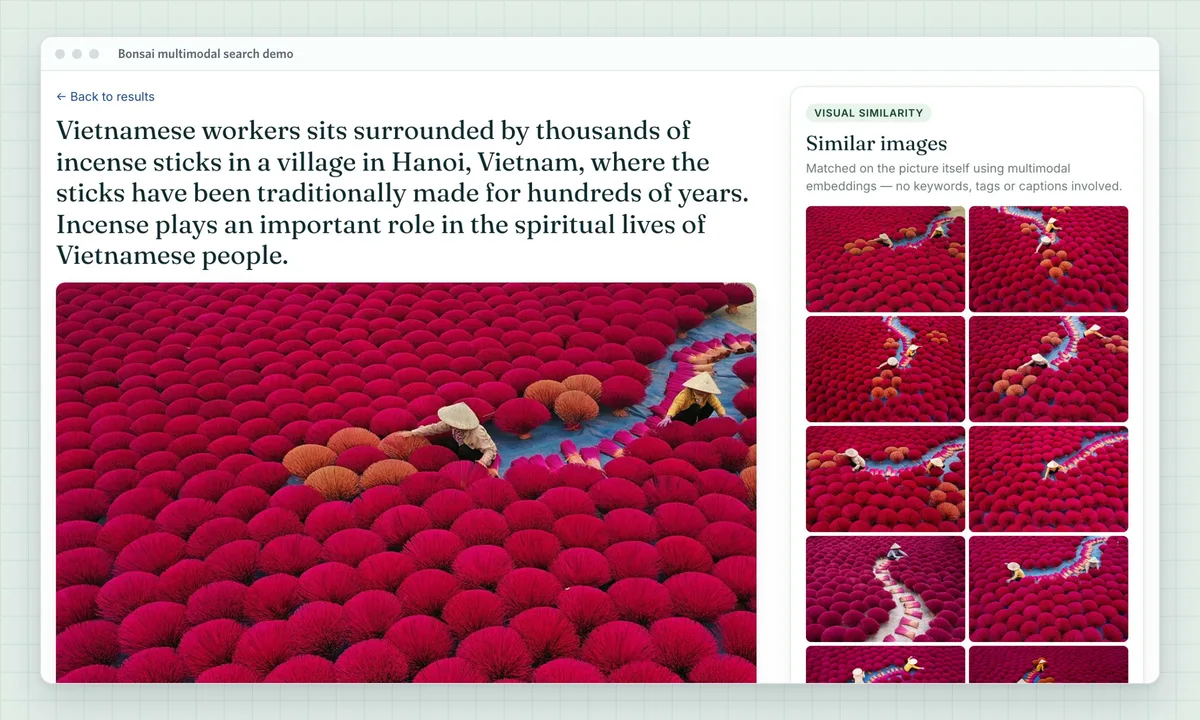
This working demo runs hybrid multimodal search on Bonsai over a collection of Wikimedia Commons photos and their metadata. Type a description, or pick one of the examples, then click any image to see visually similar ones. Works for almost any language.
Most DAM search runs on metadata: filenames, folders and tags, typed by people or extracted by an auto-tagging tool. That works until a user looks for something nobody labelled. A tag list for a photo might say "shoe, street, outdoor" and still miss "red sneakers on a wet street at night". The image is in the library; search can't see it.
The cost shows up as duplicate uploads, re-shoots of photos you already own and support tickets asking where an asset went. Visual search fixes this by searching the content of the image directly, with text or with another image.
Visual search for your catalog
Instant image search
Users type what they want — "old steam train", "wildlife in love" — and get images that match the content of the picture. The search reads the image itself, so it finds assets that were never tagged, or were tagged differently, which keyword tags alone miss.
Reverse image search
Start from a picture instead of words. Pick any asset in the catalog, or let users upload their own image, and return the assets that look most like it: same product, same scene, same style.
Deduplication and similarity
Surface exact and near-duplicate images for review before they clutter the library, and show "similar assets" on item pages and in approval workflows so people reuse what already exists.
See it on your own catalog
A solutions engineer can show you how image search, find-similar and duplicate review would work on your library, alongside the metadata search you already have.
A Bonsai solutions engineer reviews your asset volume, file types, existing metadata and the search experiences you want to offer.
Index your assets
Your images go into a Bonsai search cluster alongside the metadata you already search on. Embeddings are generated automatically as each asset is indexed.
Turn on visual search
Add text-to-image search, "find similar" and duplicate review to your product, and combine them with your existing filters for type, owner, rights and date.
Embeddings, generated and managed for you
No embedding pipeline to build
An embedding is a numeric fingerprint of what an image shows; it's what makes visual search work. Bonsai creates one for each image as you index it. Your team doesn't choose, host or call an AI model.
Kept in step with your library
New uploads, replaced files and deleted assets flow through the same indexing you already run, so search results reflect the catalog as it is today.
Model upkeep handled for you
Bonsai selects, hosts and maintains the embedding model. When the model changes, re-embedding the catalog is our job, not a project on your roadmap.
99.999%
uptime last month
1B+
daily requests served
20,000+
active clusters managed
“We got more value from a discovery call with Bonsai than we did with a paid consultation with Elastic.”
Engineer, Under Armour
“Both the technical platform and your support team have been a delight.”
TextUs
Frequently asked questions
How is this different from automatic image tagging?
Auto-tagging turns an image into a short list of labels, and search can only match those labels. Visual search compares the meaning of the query with the image itself, so it can match details and combinations no tag list captured. Background: Multimodal search vs. vector search.
Do we need data scientists or ML engineers?
No. Bonsai generates and manages the embeddings. Your developers send assets to the search index and call search, as with any search feature. For the concepts, see What is vector search?
Can we keep our existing metadata search?
Yes. Visual search runs in the same index as your titles, tags, rights and dates, so users can filter by metadata and rank by visual match in one query. See hybrid vs. vector search.
Is visual search the right fit for every catalog?
Not always. It helps most where assets are images and people search by what's in them. For catalogs searched mostly by IDs, filenames or exact terms, keyword search may be enough. Our post on when to use vector search covers the trade-off.
Hybrid search for visual assets
People search an asset library in two ways. Sometimes they know what they're after: a filename, a SKU, a campaign name. Keyword search on your metadata finds that exact asset, and nothing beats it for precision.
Just as often they can only describe what they need: "a smiling customer outdoors in autumn", "product on a white background". Visual search matches that description against what's in each image, including assets nobody tagged that way.
Hybrid search runs both in one query, so "spring campaign hero shot with flowers" can match campaign metadata and image content together, while your rights, owner and date filters still apply. See hybrid vs. vector search.
Keyword search finds
Visual search finds
Filenames, SKUs and asset IDs
What's in the picture: subjects, scenes, settings
Tags, keywords and captions
Descriptions nobody tagged, like "team photo outdoors"
Campaign, product and brand names
Mood, style and composition
Rights, license and expiry fields
"More like this" from a reference image
Photographer, owner and upload date
Near-duplicates and alternate takes
Show us your asset library
A solutions engineer can walk through your catalog, your users' search habits and where visual search would help most.
Screenshots are from the Bonsai multimodal search demo, which searches photos from Wikimedia Commons. Each photo's author and license are listed in the demo.